Version 0.9.11 · Mockup variants
Mockups.
Minus the
baggage.
Save a design once. Every mockup that uses it updates, from your own photos, on your Mac.
- Setup saved in the photo
- Folders that stay in sync
- Foil, varnish, emboss in the photo’s light
- Labels that turn on cans
- Your photos, offline on your Mac
One folder per client.
A Muckup project is a plain folder on your Mac, one per client or per job. Back it up, archive it, send it: it is just a folder.
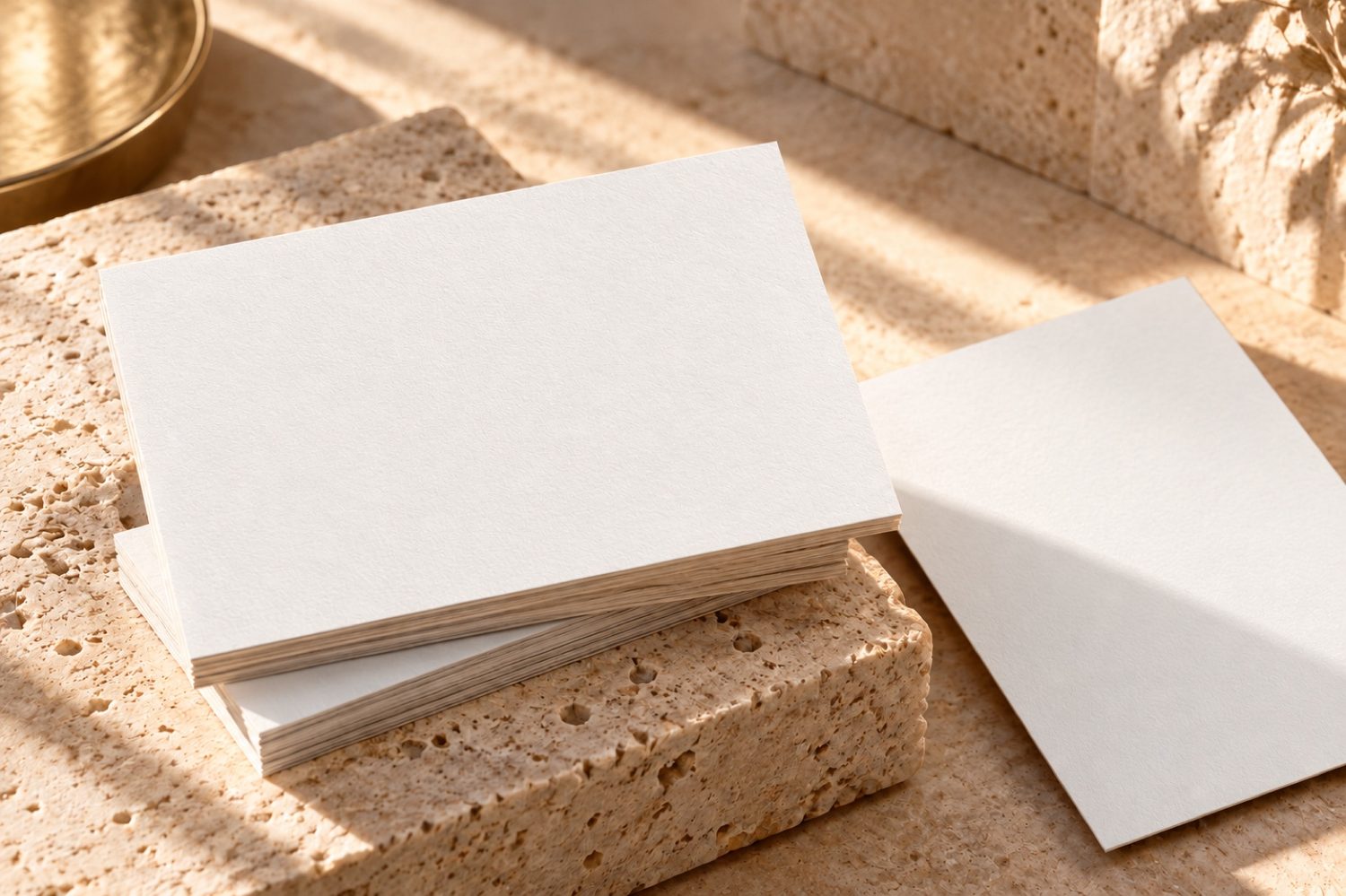
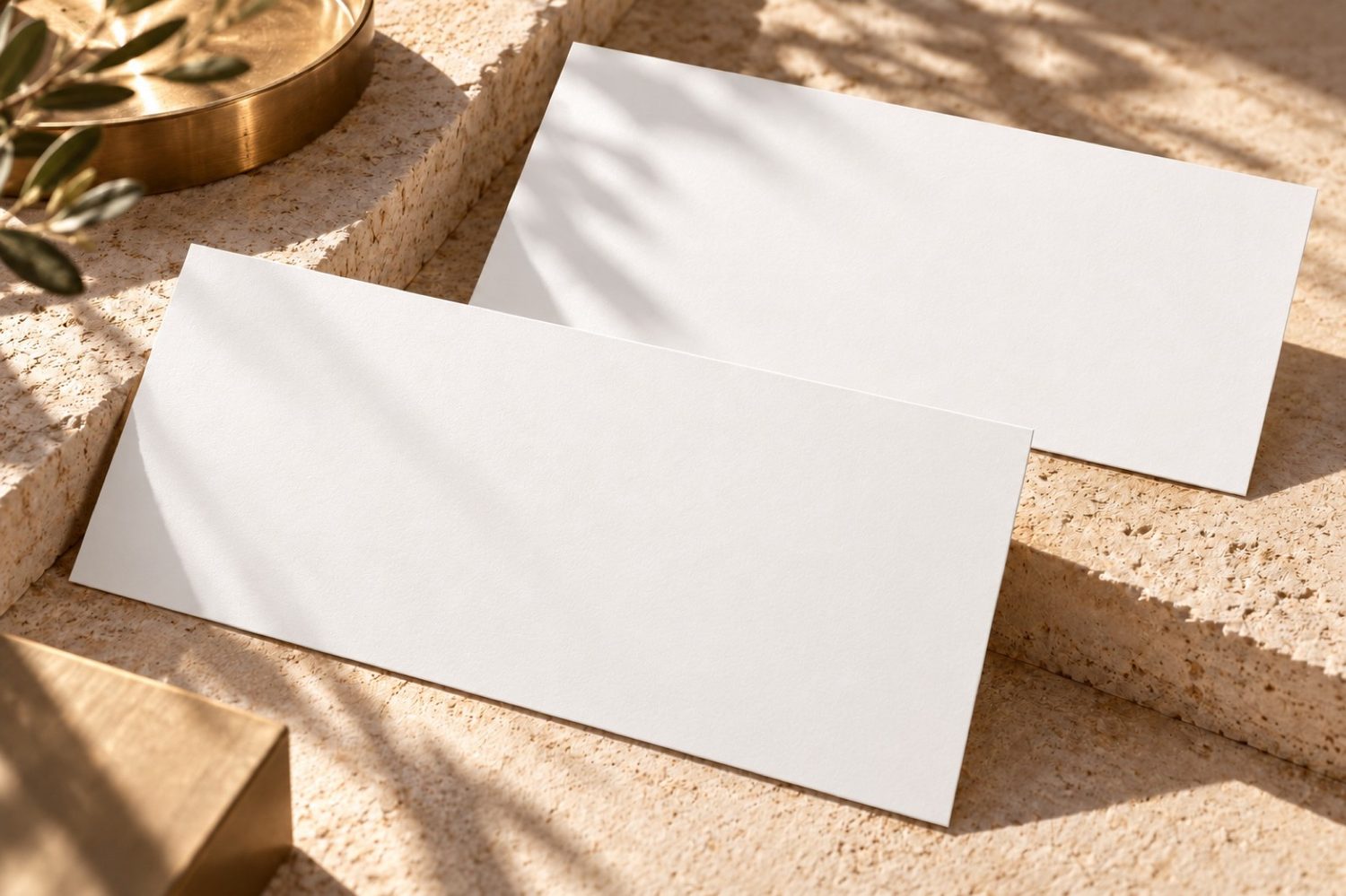
Your scene photos, with their saved calibration. Reuse them in the next project.
Set up a photo once. Use it for every client.
- Any photo.Your shoot, a stock image or a generated scene. A plain JPEG: no smart object, no PSD template to buy.
- Set it up once.Drag the corners onto the surface. Muckup writes that setup into the photo itself, in its metadata. No side file.
- Reuse it for the next client.Copy the photo into another client's folder: it opens already set up, ready for their design.
One save, eight mockups.
Photos live in Mockups, artwork in Designs. Save a new logo from Illustrator or Figma and every scene using it refreshes.
⌘E exports the whole project; ⇧⌘E makes a 16:9 PDF for the client.
Muckup never redraws your design.
It places your file exactly as you exported it, then computes perspective, folds and light from the photo. No generative AI touches your logo. Why that matters.
The label goes all the way round.
Cans, mugs, bottles. Set the curvature, match the top and bottom edges to the camera angle, then turn the artwork around the surface until the right side faces you.
More on cylindersThe gold follows the light.
Pick gold, silver or copper foil, spot varnish or embossing, then drag the light. The reflections move with it, so a client sees the finish before it goes to print.
A few details
Anything else? Write to [email protected], or read all the questions and the help.
Do I need Photoshop?
No. Muckup is a standalone macOS app. Use photos as mockups and place your design files directly. You can also import PSD or PSB mockups to reuse existing assets; results depend on how the source file is built.
Does Muckup use AI?
No. Muckup places your existing designs into your existing photos, with controls for perspective, masks, light and finishes. It doesn't generate your artwork or your scenes.
Can I reuse a mockup for another client?
Yes. The setup of a mockup (surfaces, masks, light) is saved in the photo's own metadata. Copy the photo into another client's project and it opens ready, waiting for their design.
What does folder sync mean?
Muckup watches the Mockups and Designs folders in your project. When you add, change or remove a supported file, the app picks up the change. Save an updated design and the scenes using it are refreshed. This is local folder sync, not a separate cloud storage service.
Which Macs can run it?
Any Mac with macOS 14 Sonoma or later.
Is the beta available? What will it cost?
Yes, the beta is free: get it here. From version 1, a licence costs 39 €, yours forever, with optional updates at 19 € a year. No subscription. Beta and pricing.
Try Muckup
today.
The free Mac beta is out. Leave your email and the download starts. Updates then arrive inside the app.
You'll continue to Polar to confirm your email. No newsletter. Privacy.
Who
I'm Jérémy Hervo. Creative director, art direction educator and graphic designer. I can't stop making tools, odd little contraptions and things of all kinds. Muckup is one of them. Write to me.